QR slide shows for image galleries

Let’s say that you have a lot of pictures, a whole gallery’s worth, that you want to show to a specific audience. This could be wedding pictures you want to send to your guests, professional pieces fo
Let’s say that you have a lot of pictures, a whole gallery’s worth, that you want to show to a specific audience. This could be wedding pictures you want to send to your guests, professional pieces for clients, or a number of other things. How do you show them without going to a professional printer?
The solution is QR codes! It’s possible to create an image gallery with a QR code that you can then send to your audience on a post card, sticker, or whatever else, and allow them to view them easily. They can even save them to their own devices to keep!
In this piece I will go over how QR codes can be used to make and distribute image galleries, as well as some additional information and tips on how to get the most out of your codes. So let’s get started!
What is a QR code?
A QR code is a square image that contains data. This data is stored via small blocks, usually black and white, and can resemble a jumbled up chess or go board. This data can be scanned by a mobile phone, tablet, or other device, in order to access the data contained.
These codes can be used to store tracking information, text documents, URL web links, images, videos, social media links, and so much more! Additionally, QR codes can be placed just about anywhere you could a simple image and still be scannable. This includes stickers, posters, fliers, advertisements, invitations, and even on screen in movies, TV shows, and video games.
How can you use QR codes with image galleries?
QR codes are capable of allowing people to access a number of images just through a simple scan. This way you don’t have to print out a whole photo album or send out a mass email with a URL link.
Let’s say for example, you want to send out photos from a recent wedding. Instead of doing the examples above, you could simply send out a post card or letter containing the QR code. This will not only allow your guest to view the photos from the event, but also to download them on their own devices to maybe print or do whatever else they want to with them.
How to make a QR code for an image gallery
While it is possible to make a QR code for an image gallery made on another site, like Wix or Imgur, below are the instructions for making a complete gallery with QR Code Developer. If you make a gallery with another site, then you can still make a QR code for it using the instructions in this piece: https://qrcodeveloper.com/blog/qr-code-url/
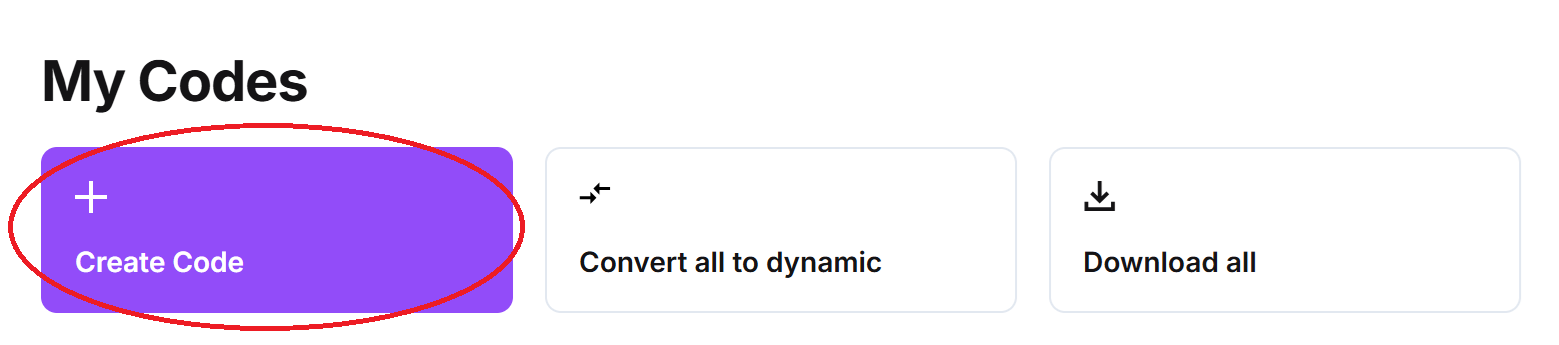
Step 1: In QR Code Developer, click on Create Code.
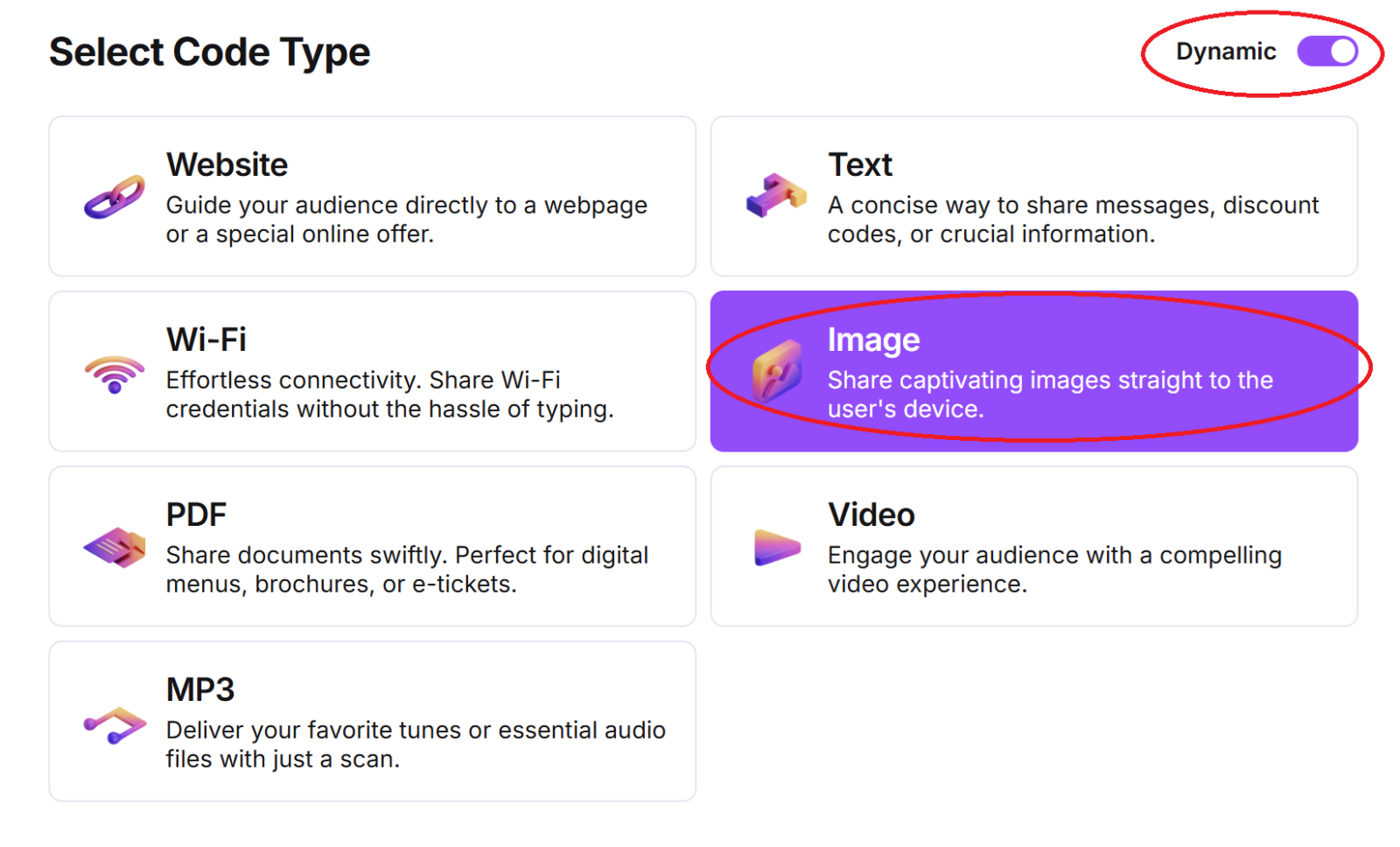
Step 2: Select Image
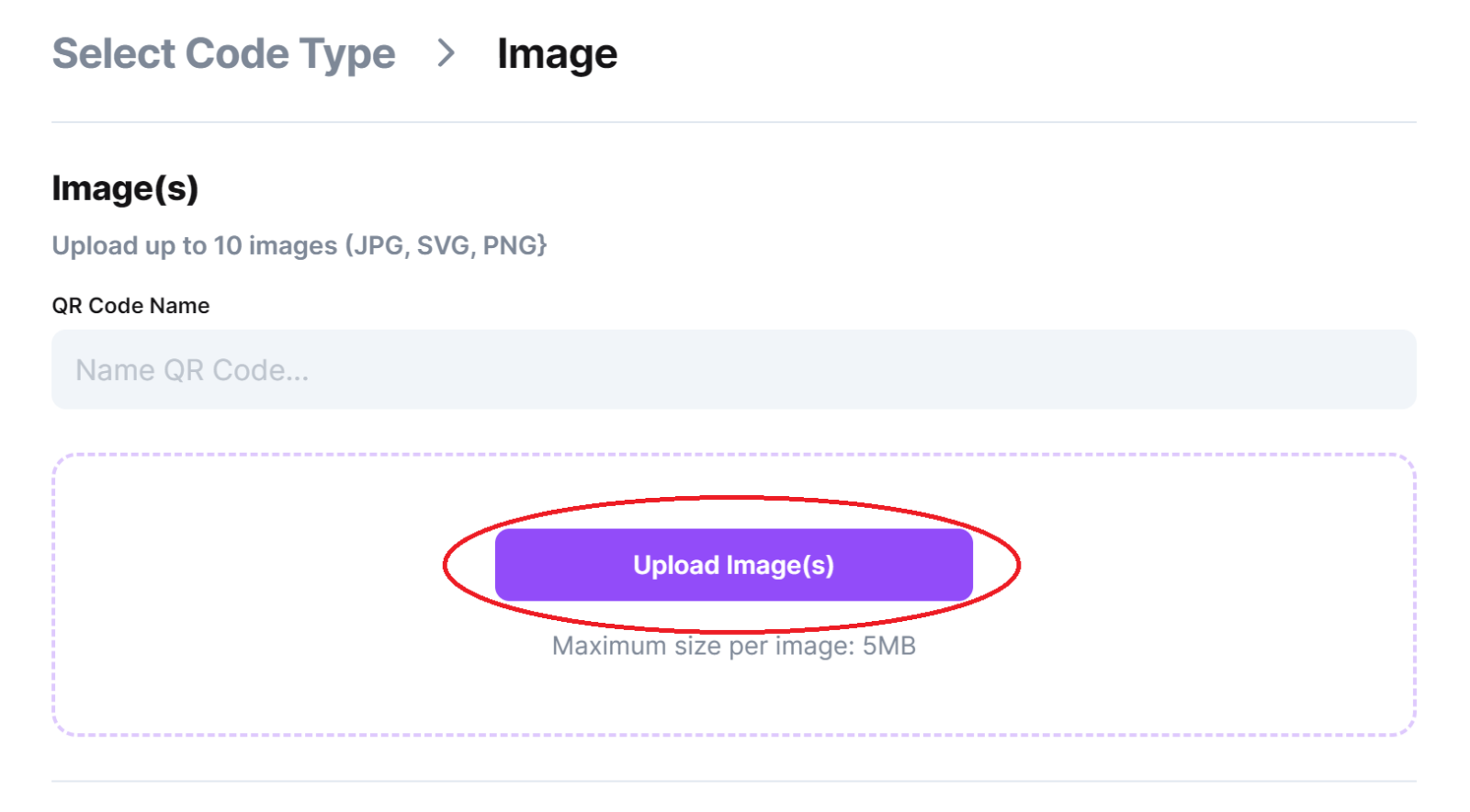
Step 3: Name your code and upload your images
Step 4: Fill in landing page details. Provide a link if you have one
Optional: Click on the pencil icon in the Preview window to further customize the look of your code.
Monitoring code usage
Monitoring code usage
With the tools available on QR Code Developer, as well as other code generators, you can monitor the usage of any code you create. This can include how many times a code has been scanned, where it has been scanned, on what device, using what browser, and more. With these tools, you can figure out which codes are reaching the most people and where to focus any advertising efforts.
With QRCodeveloper you can monitor:
- Number of scans
- Number of scans by operating system
- Scans by browser
- Scans by country
- Scans by city
- Scans by language
- Unique scans
Ready to create your QR code?
Generate custom QR codes in seconds - free and easy to use.
Create Free QR Code →