QR code design: color, contrast, and customization tips

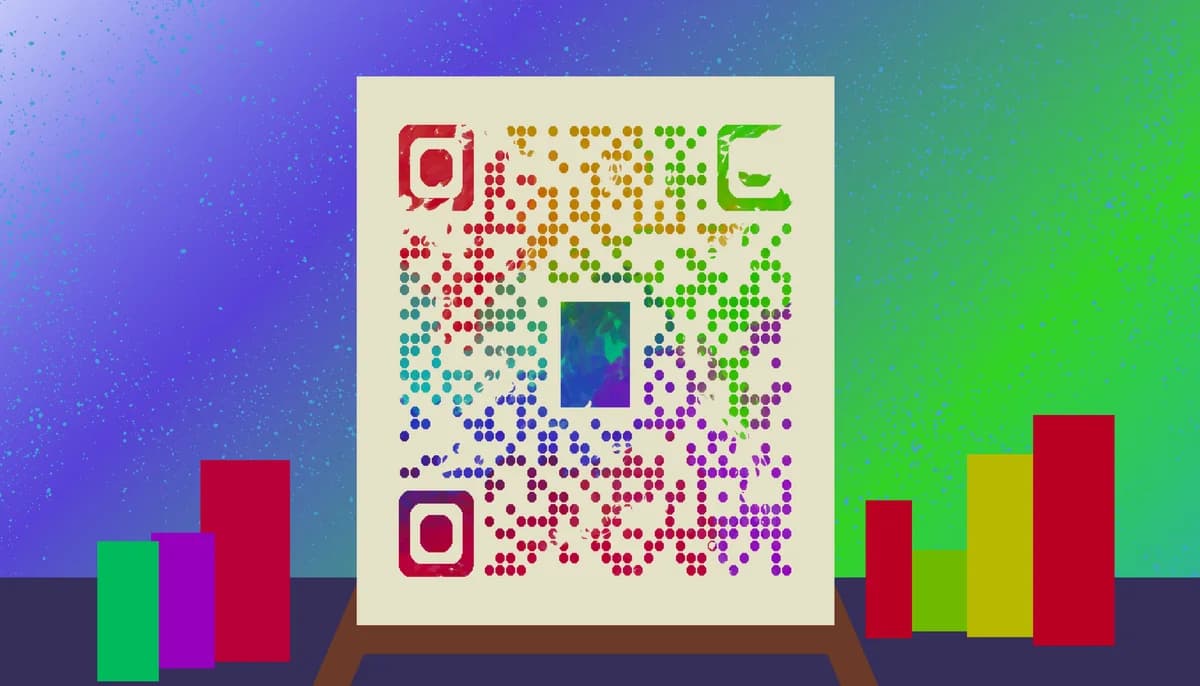
What are QR codes
QR codes are encoded images that can be scanned via a mobile phone or other device to access a variety of media. Originally, they were invented as a way for Japanese car manufacturers to better keep track of parts being shipped overseas, but now they have been adopted into everyday life.
Most often, QR codes are used to distribute and access URL links, but they can also be used to view images, text, contact information, event registry, WiFi login, and more! Codes are also easy to make and can be done via an internet browser. Information about how to use QR codes for all these purposes can be found on this very site.
Terms to know
Color wheel: A term used for the visual light spectrum of colors, pictured below.
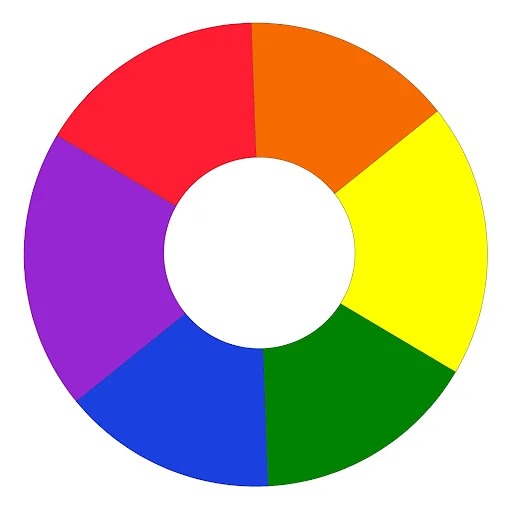
Complimentary colors: Colors on opposite ends of the color wheel that, when paired together, make eachother pop out. Pictured below.
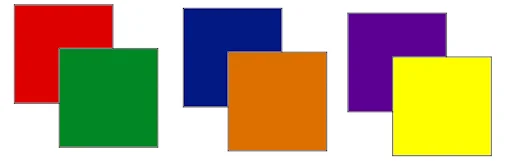
Contrast: Stark difference between two colors. Pictured below.

Saturation: The brightness of a color.
Visual language of QR codes
In their most common form, QR codes are typically printed squares made up of smaller squares. They appear similar to a traditional barcode, which is fitting since they work in a similar way. Essentially, regular barcodes are one dimensional while QR codes are two dimensional.
While QR codes are typically black and white squares made of other, smaller squares, they can also be edited and modified to look different. Some can be made of tiny dots instead of boxes. Some Have different colors other than pure black and pure white. Some do both, and some contain images in the center.
QR codes are highly customizable, though iconic enough to recognise as a QR code. You always know a QR code when you see one. Still, if you are customizing your own QR code, it’s important that, no matter how much you edit and tweak the design, that it still looks like a QR code.
You wouldn’t want to put all sorts of effort into a code only to ot get any scans because your audience doesn’t know it’s a code. Below are some common examples of different QR codes that still follow the familiar structure.
Importance of contrast
Contrast is extremely important when making sure QR codes are both functional and read as a QR code. While codes can be heavily modified and still functional, all codes must still have some amount of contrast between the background elements and the foreground elements, since this is the data that readers are looking for.
Black and white are the most commonly used colors, though if you are planning on doing something different, it’s best to choose complementary colors, such as:
Orange and cyan
Yellow and purple
Green and red
Below are some examples of codes that use complementary colors. It would also be wise to make one color lighter or less saturated, while having another be darker or brighter.

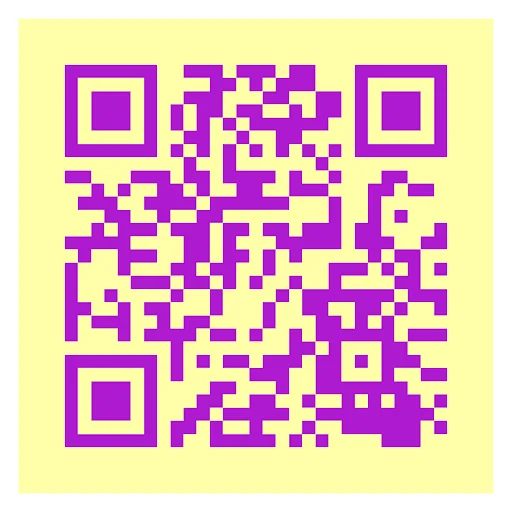

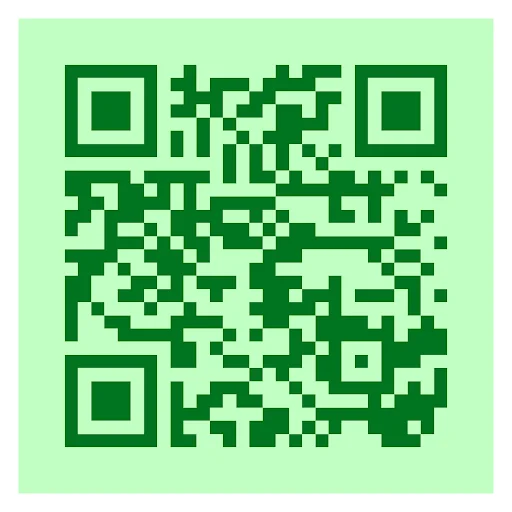
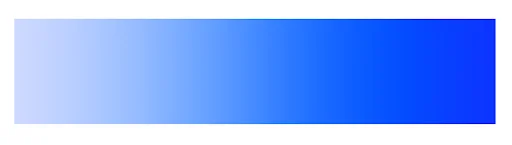
You can also use different shades of the same color, like light and dark blue for instance, and still have your code be functional. Like the examples below.
Error correction
Did you know that a QR code can be partially ripped or worn off and still be readable? That’s because they use something known as Reed-Solomon error correction. There’s a lot of math and coding involved, but basically this allows QR codes to still be functional with portions missing or unreadable.
But what does this have to do with the look of a code? Well, since a code can have a portion missing and still be functional, then it’s also possible to replace the missing portion with an image, greatly impacting the overall design of the code.
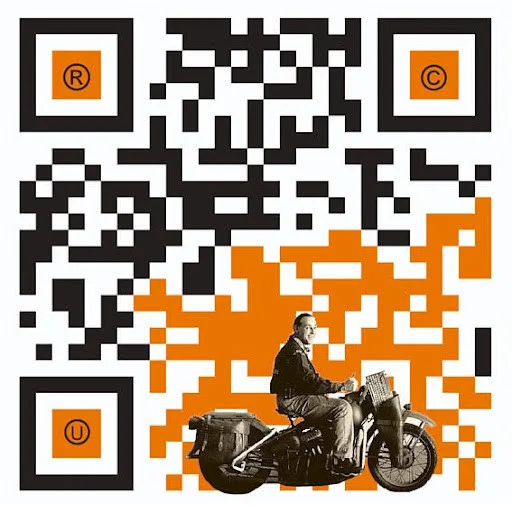
By taking advantage of error correction with a small image in your code, you can help it stand out and be more memorable, increasing the chances that someone interested will scan it.
Physical placement
As important as color choice and contrast are to QR codes, placement is just as essential to making the experience work. You wouldn’t want to put all sorts of effort into making a QR code look pretty only to place it somewhere hidden where no one will scan it.
The best places to put a QR code would be on flat surfaces, like a business card, flier, poster, or placard. You can also put a code on a cylindrical object, like a can or telephone pole, but make sure that you can see the entire code without having to rotate the object.
Also, make sure you place your codes where they will be seen, but try not to draw too much attention away from any other information on the piece. QR codes should only take up around 5% to 10% of the piece, as to not distract from the rest of it. Somewhere off in the corner would be an ideal spot to place a code.
General tips
Know your audience: If you’re certain that most of your patrons don’t know how to use QR codes or just don’t like them, then don’t use them.
Keep instructions clear: Provide clear instructions on how to use and scan QR codes as well as where the codes will redirect to.
Place codes on a flat surface: To make sure that codes are still scannable, only put them on flat surfaces, like walls, tables, posters, or fliers.
Use high contrast: If using custom colors on a code, make sure that the colors are distinct enough from each other to be read as a QR code.
Make sure codes are visible: Don’t place codes where patrons are unlikely to see them.
Only use codes when necessary: If an alternative exists that’s easier for all parties involved, use that.
Test on multiple devices: Make sure your codes work whether scanned on an Android device, iPhone, tablet, or other device.
Conclusion
With QR codes becoming more commonplace everyday, it’s more important than ever to not only know the technology, but how to effectively use it. While you can get away with using the default black and white squares for most codes, by adding some artistic flair to your design, you can ensure that it better jumps out at your audience and increase the chances of someone scanning it.
A good generator is also essential for creating unique codes with bespoke color combinations, which is where QR Code Developer can come to help! With the free tools available, you can see just how easy it is to create a QR code that’s all your own. Get started today!
Ready to create your QR code?
Generate custom QR codes in seconds - free and easy to use.
Create Free QR Code →