Instagram QR code generator

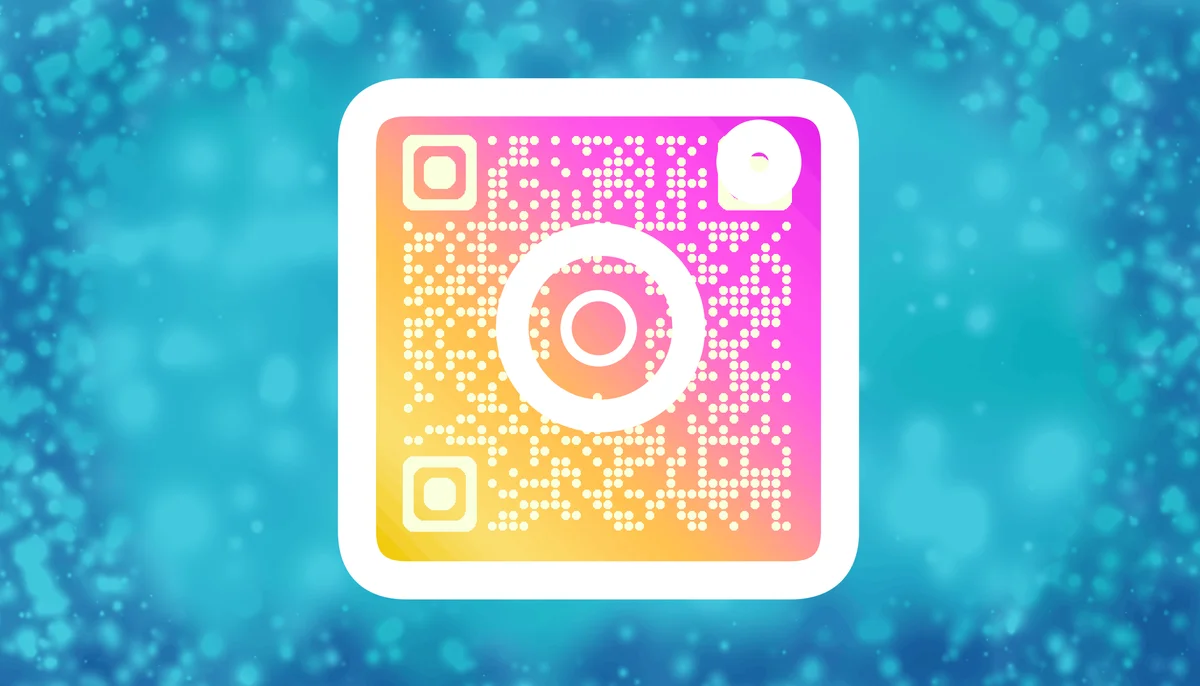
What Are Instagram QR Codes?
When scanned, Instagram QR codes directly connect users to specific Instagram profiles or content. These codes can be static or dynamic, each serving different business needs and offering varying levels of functionality. Let's explore both methods and then jump to understanding what purpose both serve. This will help you choose the best option for your needs.
Generating Dynamic QR Codes
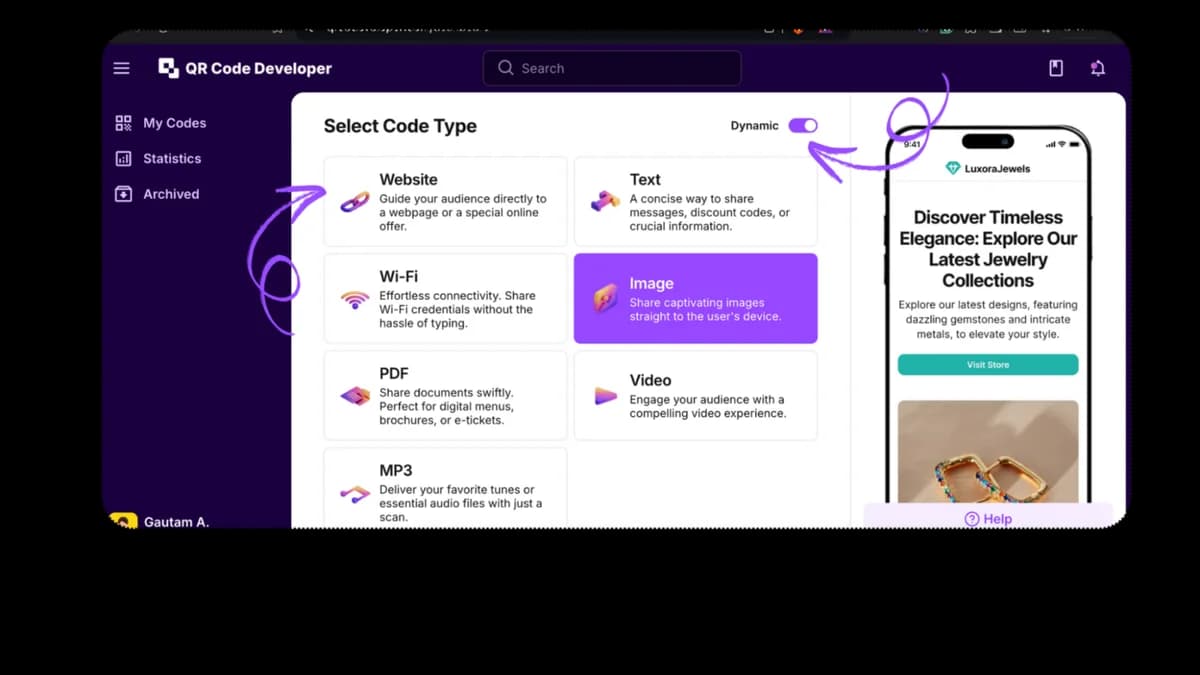
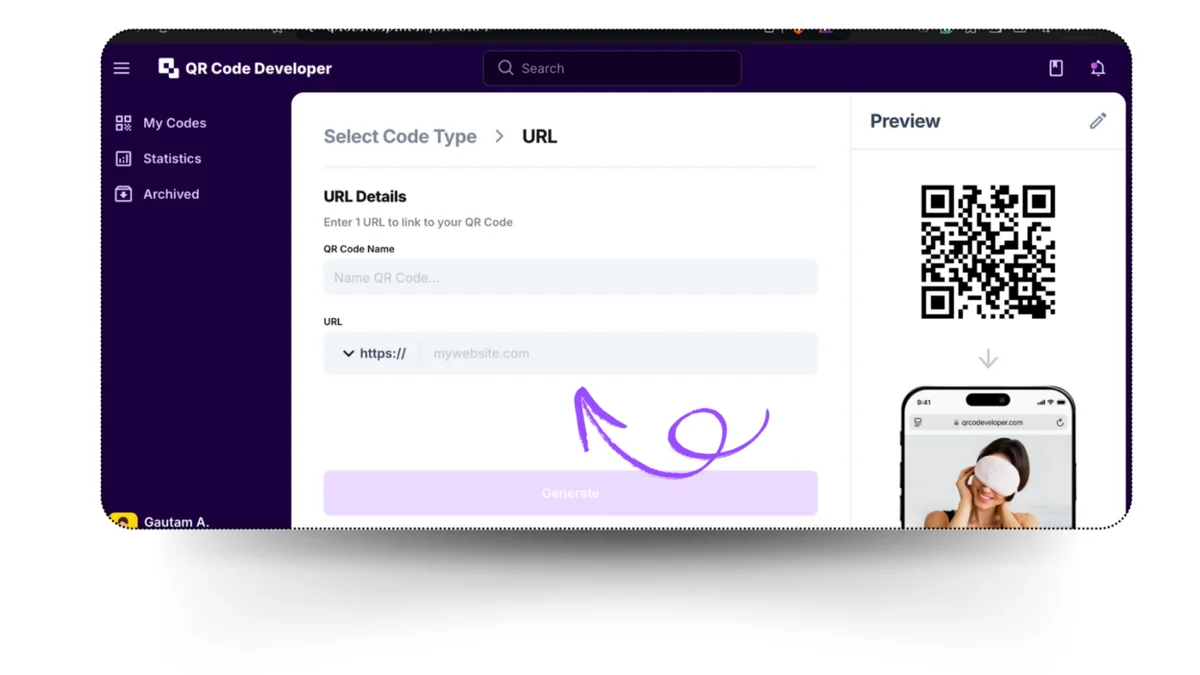
For those needing more robust features, here's how to create a dynamic QR code:
1. Go to QR Code Developer and click on ‘Create QR code.’


- Add your brand colors
- Insert Instagram logo
- Adjust the code's shape and style
- Write some text on it.
Creating Your Instagram Static QR Code
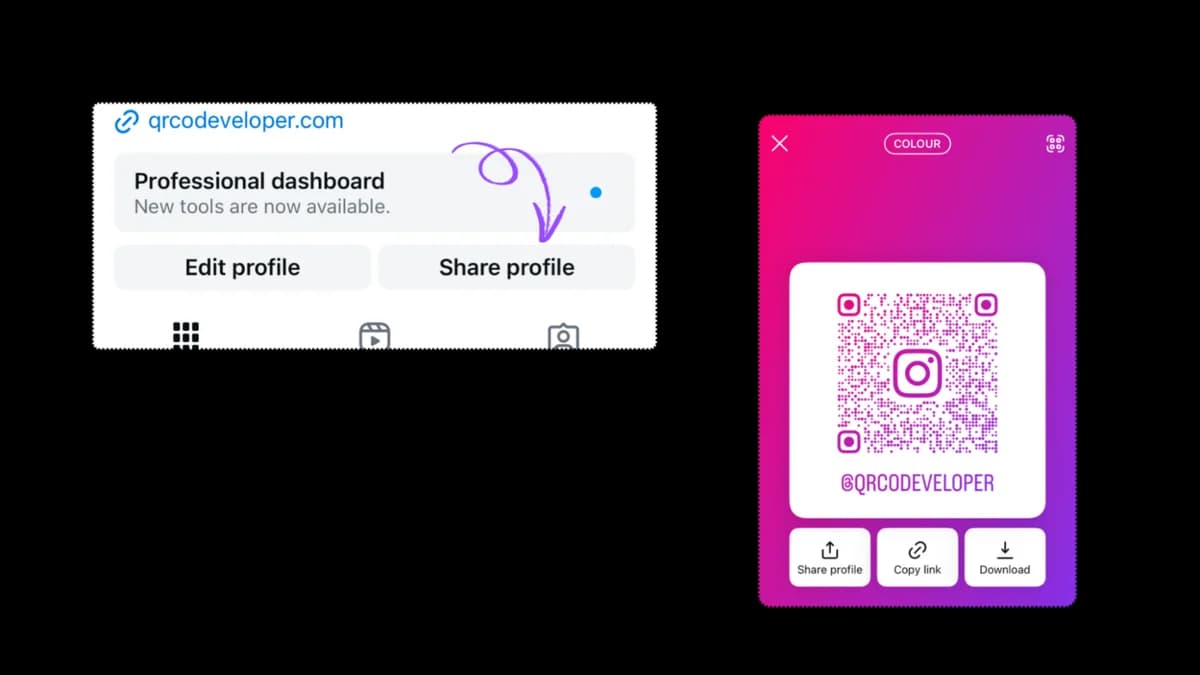
Let's walk through the process of generating your Instagram's native QR code:
- Go directly to your profile page
- Click on the share profile button on the right.
- Customize your code's appearance:
- Choose different color schemes
- Experiment with emoji patterns
- Select gradient backgrounds
- Save and then share your QR code directly
Dynamic vs Static QR Codes
Dynamic QR codes, which can be easily created by a QR codeveloper, offer impressive benefits, like real-time data tracking and high customization. These QR codes are the best fit for marketing campaigns and brand expansion.
In contrast to Dynamic codes, Instagram’s in-built QR code serves a different purpose. They are used to share your profile or post with your loved ones and don’t provide tracking features.
Let’s explore more features of both in the table below:
| Feature | Static Instagram QR Codes | Dynamic QR Codes |
| Tracking Capabilities | No analytics available | Comprehensive scan analytics |
| URL Modification | Not possible | It can be updated anytime |
| Customization | Basic color changes | Full design control |
| Scan Analytics | None | Location, time, device type |
| Brand Integration | Limited | Custom logos and colors |
| Cost | Free | Paid subscription |
| Use Case | Personal sharing | Marketing campaigns |
| Data Collection | None | User behavior insights |
Best Practices for QR Code Implementation
Designing Tips
- Choose colors that support your brand's color palette.
- Ensure there’s sufficient contrast between the color of the code and its background.
- Include a catchy call-to-action text.
Security
- Opt for a trustable site for QR generation that takes full responsibility for your QR safety. For example- QR Code Developer. Click here to learn more about QR code scams.
- Regularly monitor scan analytics to avoid suspicious activity.
Final Thoughts
The choice between static and dynamic QR codes ultimately depends on your specific needs. If you want to share your profile with a friend, then you can opt for Instagram’s Static codes. On the other hand, if you’re looking for a tool that helps your brand’s growth or collects data for you that eventually helps you improve your business, then dynamic codes offer the valuable features you desire. Consider your needs and the results both the QR code types have to offer.
By understanding and implementing these QR code strategies, you're well-equipped to bridge the gap between your physical presence and digital Instagram profile effectively.
Ready to create your QR code?
Generate custom QR codes in seconds - free and easy to use.
Create Free QR Code →