How to create event QR codes

How can you use Event QR codes?
The most common use for QR codes is to distribute web addresses and URLs. Using a QR code for this makes it easy, since you don’t have to remember or copy a long address in order to get to a particular webpage. However, event QR codes can also be used to distribute contact information, images, documents, simple text, and more.
Some of the ways you can use QR codes for events include:
- More info about the event
- Check in
- Menus
- Links to official websites
- Wifi login
- Event advertising
- Invitations
Why use event QR codes?
Events can be critical to running any sort of business, with 89% of professionals saying that they are crucial to the experience. However, events like these contain a lot of moving parts and can be easy to mess up with one small detail.
Issues with technology are often cited as the biggest problems involved in planning events, which is where QR codes come in to help. While these codes can’t plan an entire event for you, they can make it far easier to distribute information regarding the event in a way that’s easy to create for the event planners and widely understood by the public.
Additionally, with more and more use of virtual spaces, event QR codes can be especially handy in sending out invite links. Codes for virtual events can also streamline the registration process, feedback retrieval, and a variety of other issues that pop up when running an event remotely.
Use cases
Let’s say that a soda company wants to run a press conference regarding a new line of drinks. The conference will end with a light dinner where the invitees will have the chance to try out the new drinks for the first time.
In this case, the soda company can set up event QR codes for:
- Basic info on the event
- Check in for press
- Review feedback on the new drinks
- Press badges so that members can stay in contact
Now, let's say that months later, the same company wants to host a virtual event to celebrate the official launch of said new drinks. Now they can use the codes to provide additional information about the new drinks, distribute the invite link, and direct web visitors to the company website.
The examples above focus on a corporate event, but QR codes can be used for any type of event, such as:
Conventions
- Registration
- Check in
- Schedule
- Venue map
Concerts and live shows
- Playbills
- Ticketing
- Cast and crew
- Other acts
- Donation links
Educational events
- Additional information
- Interactive experiences
Sporting events
- Ticketing
- Food orders
And many more!
How to create an event QR code
There’s all sorts of different ways you can use event QR codes, but for this piece I’ve decided to highlight how you can use the technology to create a google form that attendees of your event to RSVP and provide additional information.
Step 1: Create a Google Form
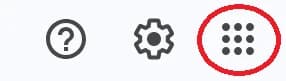
- On your Google homepage, click on the menu icon in the top right.
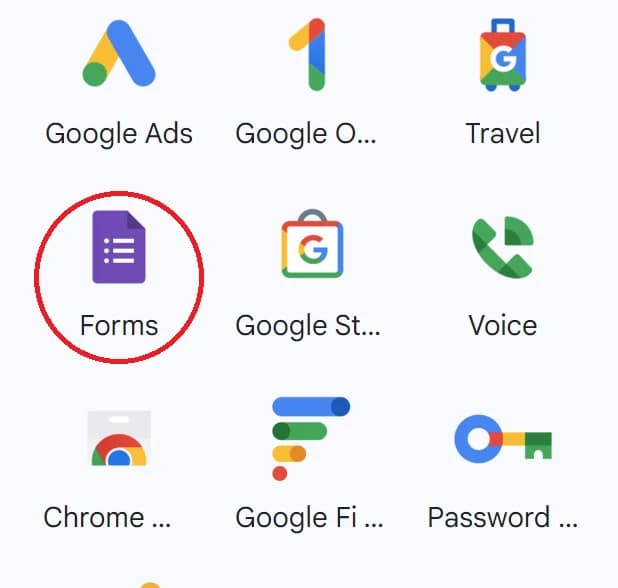
- Scroll down to the Forms icon and click on it.
- Pick from the preset templates or make your own form from a blank one.

Step 2:
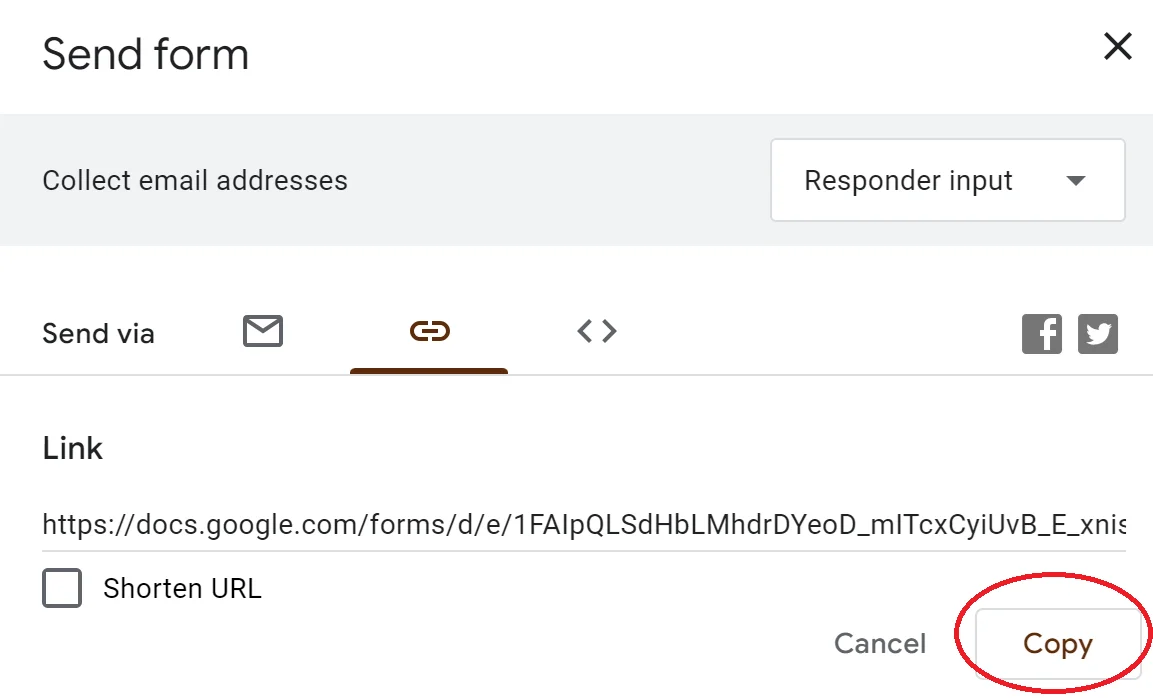
Get the Google Form Link- Once finished, click the Share button and copy the link.
Step 3:
Generate a QR Code- Go to qrcodeveloper.com
- Paste the URL into the bar.

Step 4:
Customize Your QR Code- Click on the Edit Design button
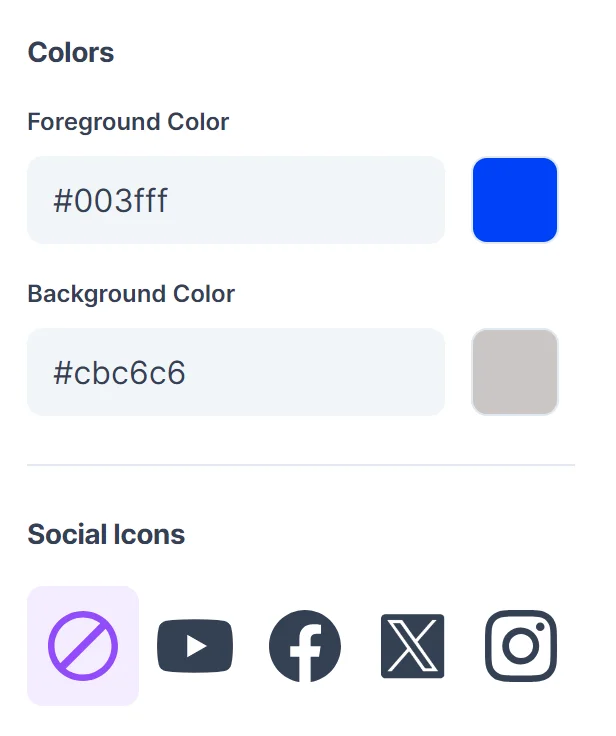
- Change the colors of the foreground and background of the code to match your brand.
- Add a social media icon if necessary.
- Click the Generate button at the bottom of the screen.
Step 5: Test Your QR Code
- Scan the code with the camera of your phone or other mobile device.
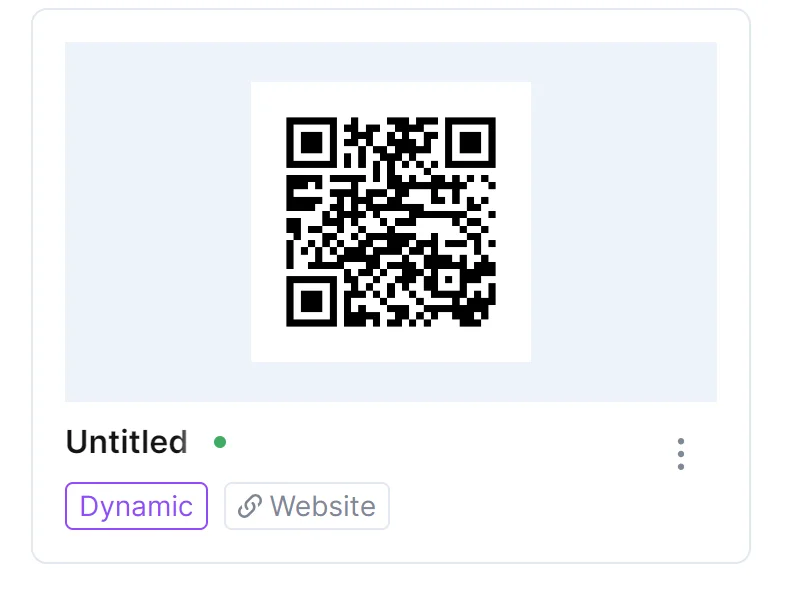
- Try to test the scanning with as many different devices as possible.
- If the code won’t scan, go back in the Edit Design menu and tweak the colors so that it is easier to scan. High contrast is a must.
Where to place your codes
When deciding where to put your code, it’s important to keep in mind that event QR codes are scanned with the camera on a phone or mobile device. Therefore, they must be placed on a flat surface with no warping so that the camera can easily read it. Posters, fliers, stickers, and business cards are among the best places to place a QR code. Uneven surfaces like telephone poles or warped walls would not be a smart location to place a QR code, as the code can become distorted and unreadable.
The best places to physically place a QR code are:
- Posters
- Business cards
- Fliers
- Stickers (on a flat surface)
It’s also important to keep in mind your intended audience when distributing QR codes, which in the case of special events, is usually limited to people at the event, looking to attend the event, or the type of people the event is for. If you are holding a retro toy convention in New York, then it wouldn’t be a good idea at all to distribute your codes in a truck stop in Oklahoma.
If the codes you are distributing are meant to be scanned by guests currently at your event, then make sure that they are readily available and easily accessible to said guests. Tables, walls, posters, and fliers are the best places to place QR codes at your event.
Monitoring code usage
With the tools available on QR Codeveloper, as well as other code generators, you can monitor the usage of any code you create. This can include how many times a code has been scanned, where it has been scanned, on what device, using what browser, and more. With these tools you can figure out which codes are reaching the most people and where to focus any advertising efforts.
With QR Codeveloper you can monitor:
- Number of scans.
- Number of scans by operating system.
- Scans by browser.
- Scans by country.
- Scans by city.
- Scans by language.
- Unique scans.
Tips
- Make codes with high contrast
- Test codes on multiple devices
- Monitor code usage
- Place in areas that are easy to scan
- Provide additional information on where the code leads
- Only place codes on a flat surface
Conclusion
Creating unique event QR codes is easy, and with tools like QR Codeveloper, you can focus more time on organizing your event, and less on worrying about whether your event QR codes will actually work.
It’s easy to get started right away with creating QR codes for your event, so give it a shot and see how easy it is.
Ready to create your QR code?
Generate custom QR codes in seconds - free and easy to use.
Create Free QR Code →